Learning for an inclusive programme
Learn at your own pace, in the way that works for you.
Ilimi (knowledge, in Hausa) is the learning platform of the DBI and Sightsavers programme. Every course works with a keyboard, a screen reader or a braille display, has captions and transcripts, and never puts you on a timer.
Your programme administrator may have sent you an invitation. I have an invitation
Open courses
Create an account or log in to enrol. Courses marked free cost nothing.
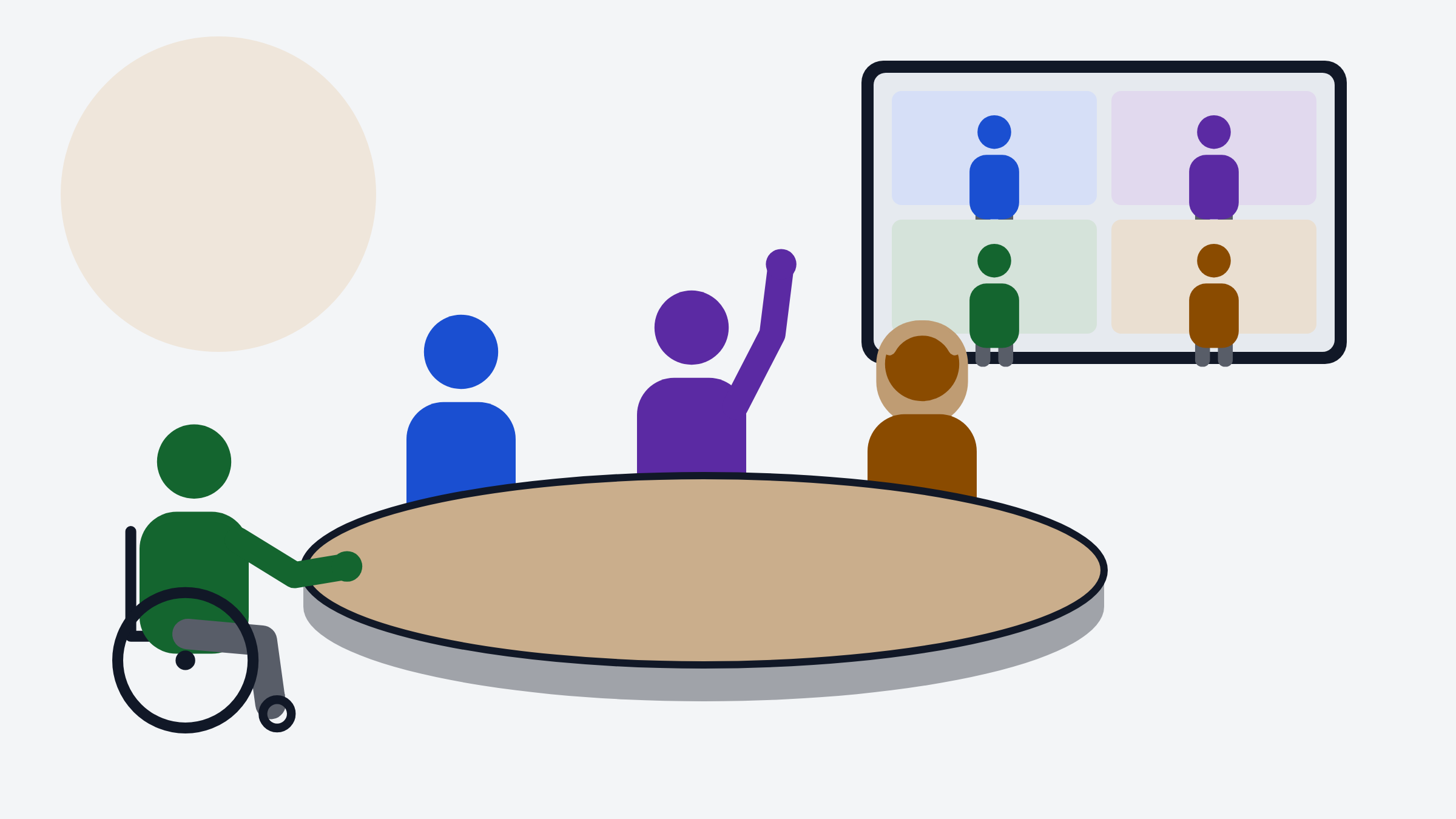
Accessible Meetings and Events (log in to enrol)
Plan venues, online calls and workshops that everyone can join and take part in.
Communicating about Disability: Language and Media (read without an account)
Respectful words, fair stories and accessible media for reports, social media and campaigns.
Digital Accessibility Basics (read without an account)
How to make documents, emails, slides and videos that everyone can use.
Inclusive Education Basics for Facilitators (log in to enrol)
Plan and run learning sessions where every learner, including learners with disabilities, takes part and learns.
Introduction to Assistive Technology (log in to enrol)
What assistive technology is, how people use it, and how to make sure your work is compatible with it.
Plain Language for Programme Documents (log in to enrol)
Write reports, letters and forms that everyone can read and act on the first time.
Courses by application
These courses run in cohorts. Read about the course, then apply; the team replies by email.
Financial Management for Partner Organisations
Budgets, records, procurement and reporting for partner organisations, including the cost of inclusion.
Working with Deafblind Colleagues and Participants
Communication methods, guiding, and running meetings that work for people who are deafblind.
Apply for Working with Deafblind Colleagues and Participants

Built to be accessible
Keyboard and screen reader
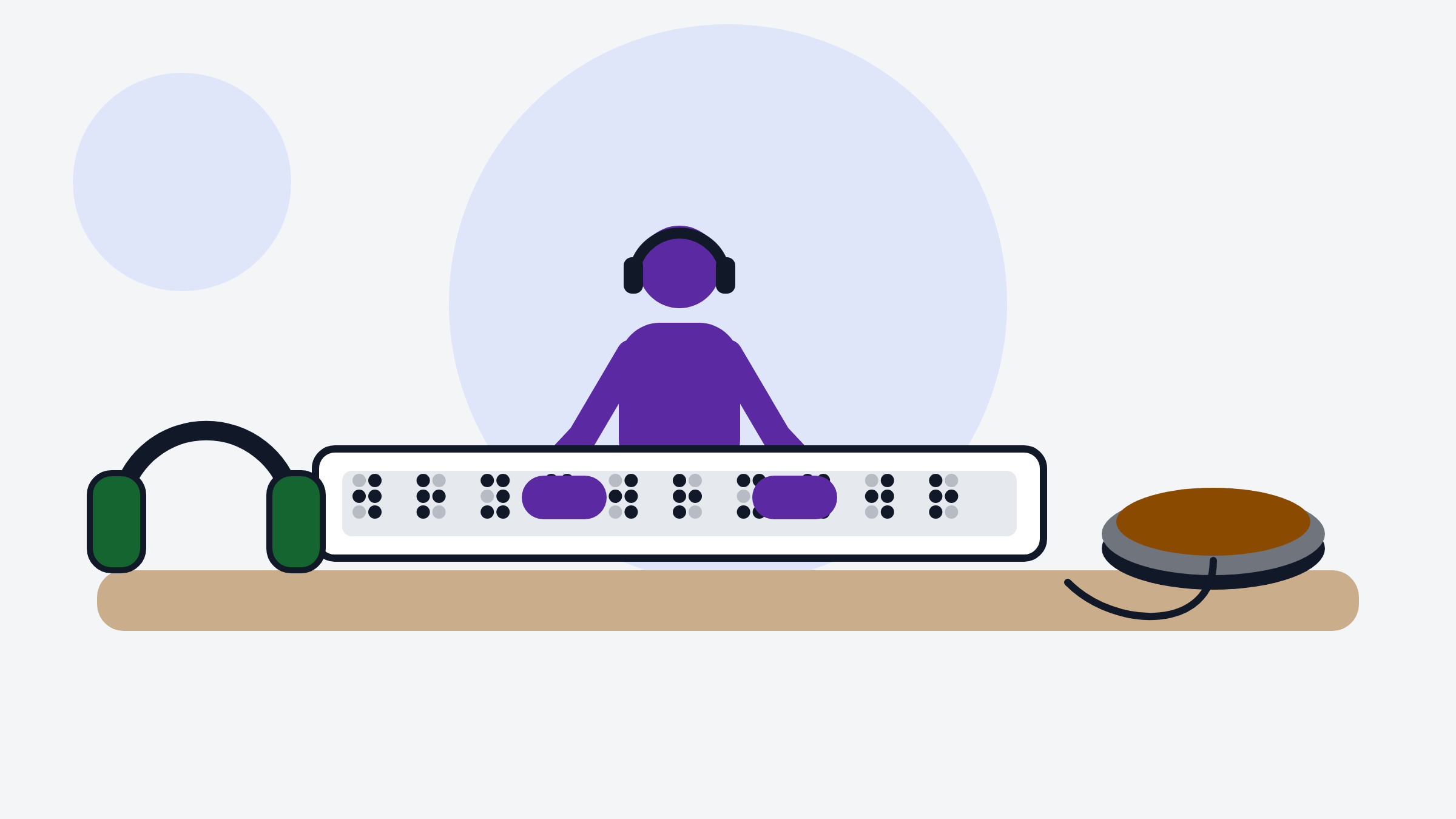
Every page and every control works without a mouse and reads correctly on a screen reader or braille display.
Captions and transcripts
No video is published without captions and a full transcript. Audio description is provided where it matters.
No time pressure
Nothing is timed by default. Your progress is saved as you go, so you can stop and continue later on any device.
Your display, your way
Choose high contrast, larger text, a dyslexia-friendly font and reduced motion. Your choices follow you.
Something not working for you? Report an accessibility problem. We fix problems quickly and never ask you to explain your disability.
Learning in the programme
Facilitators and participants at a tactile sign workshop.
Eye health screening in the community.
Studying with a screen reader at work.
A joint programme
DBI (Digital Bridge Institute) and Sightsavers run this programme together so that people with disabilities, including people who are blind, have low vision or are deafblind, take part in deciding, planning and doing the work.